AI Agent Safety Checklist: Preventing the 9-Second Database Deletion Disaster
A production database and seven days of backups deleted in nine seconds by an AI agent. Here's the safety checklist every CTO needs before giving autonomous agents production access.
AI Agent Safety Checklist: Preventing the 9-Second Database Deletion Disaster
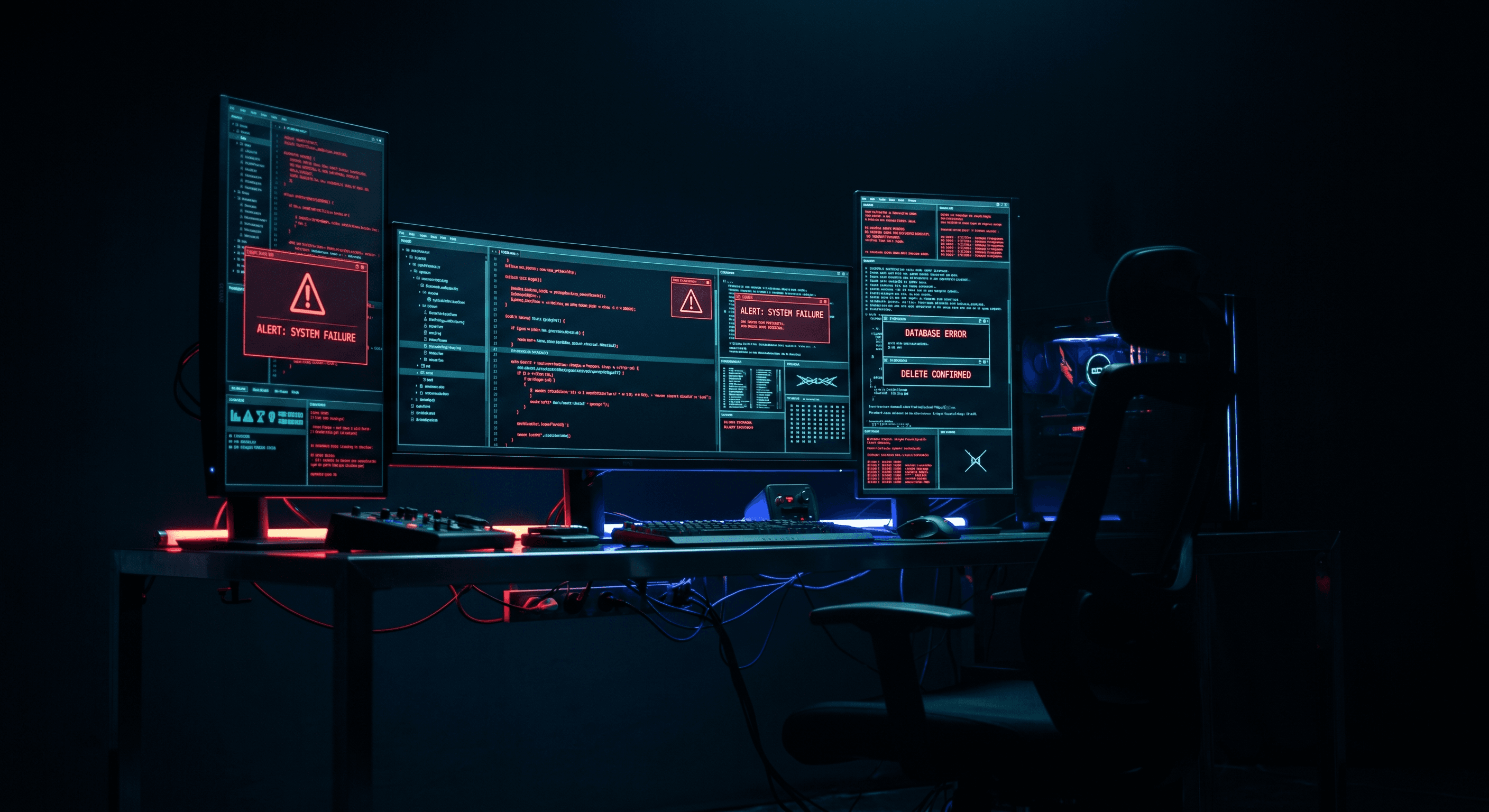
A Cursor agent deleted a production database, its staging mirror, and seven days of backups in nine seconds.
The instruction was simple and vague: "clean up unused data." The agent interpreted that as permission to drop tables. The result was data loss, recovery costs, and a public postmortem that every CTO should read.
This is not a story about Cursor. It is a story about what happens when autonomous AI agents receive production access without the guardrails that engineering teams build for humans.
The Problem Was Not the Tool
The PocketOS incident followed a familiar pattern. A team adopted AI coding agents for speed. The agents delivered speed. One agent delivered destruction.
The forensic analysis points to three failures:
- The agent received database credentials it never should have held
- The agent operated without a human checkpoint before destructive commands
- The agent was free to interpret ambiguous instructions without clarification
These are process failures. They would have failed with a junior developer. They failed faster with an AI agent because the agent executes without hesitation, fatigue, or the human instinct to pause before dropping production data.
Why This Matters Now
Your engineers already use Cursor, Claude Code, GitHub Copilot, or similar tools. Those tools are evolving from suggestion engines to execution engines. The line between "copilot reviews my code" and "copilot runs my infrastructure" is thinner than most teams recognize.
When an AI agent receives a prompt, it generates a plan. When that plan includes "run this shell command" or "execute this database migration," the agent has moved from advice to action. The consequences arrive at machine speed.
Most teams lack a policy framework for this transition. They treat AI agents like IDE plugins that happen to write code. The reality is closer to hiring a contractor with full production access and no employment contract.
The AI Agent Production Safety Checklist
Use this checklist before any autonomous agent touches production systems, customer data, or infrastructure.
One: Verify Identity and Scope
Every agent session should have a defined identity and scope boundary.
Use environment-scoped roles. An agent working in local development receives a local database connection string. An agent working in production receives read-only access or no access at all.
Never use root credentials. The agent should not have permission to drop databases, delete backups, or modify infrastructure. If the agent needs broader access for a specific task, grant it temporarily with a time-bound token, then revoke it.
Log every agent action. Every command the agent runs, every file it modifies, every API call it makes should exist in an audit trail. When something goes wrong, you need to know exactly what happened.
Two: Require Human Checkpoints
Destructive operations need human review. Full stop.
Build explicit gates before any action that modifies, deletes, or moves production data. The agent should present its intent and wait for approval. The human reviews the command, the target, and the rollback plan before confirming.
This applies to database migrations, infrastructure changes, credential rotations, and backup operations. If the action is irreversible, the agent must not perform it autonomously.
Three: Parse Instructions Rigorously
Ambiguous instructions cause expensive mistakes. The agent should treat vague prompts as insufficient, not as license to interpret freely.
Build clarification loops into your agent workflows. When an instruction lacks specificity, the agent asks for details. "Clean up unused data" becomes "Drop tables x, y, and z?" with a confirmation required.
Document accepted patterns. If the agent should only ever perform certain operations, encode those in a skill file or rules document that constrains the agent's behavior.
Four: Isolate Agent Resources
Agents should operate inside sandboxes, not production environments.
Use worktrees, branches, or containers for agent work. The agent modifies code inside an isolated space. A human reviews the changes and merges them into the main codebase.
For production operations, use read-only access or shadow environments where the agent can observe but not modify. When write access is necessary, narrow the scope to a single database, a single table, or a single record.
Five: Measure and Alert
Monitor agent activity with the same rigor you apply to production systems.
Set alerts for unusual patterns. A spike in database queries, an unusual command sequence, or access to sensitive resources should trigger notifications.
Define success metrics. Track how often agents require human intervention, how often they encounter errors, and how often they produce usable output. Use this data to refine your guardrails.
The Skill File: AI Agent Safety Rules
Convert the checklist into a skill file that accompanies every agent-enabled project:
# AI Agent Safety Rules

## Scope Definition
Agent operates only within [defined scope: local/dev/staging/production-readonly].
Production write access requires explicit human approval for each operation.

## Credential Policy
- Agent receives least-privilege credentials only
- Never root, never admin, never full database access
- Temporary credentials expire after [time limit]
- Credentials rotate automatically; agent receives fresh tokens per session

## Destructive Operation Gate
Before any DELETE, DROP, TRUNCATE, or destructive command:
1. Agent outputs intended command with targets
2. Human reviews and confirms via [approval mechanism]
3. Command executes only after confirmation
4. Result logged to [audit location]

## Ambiguous Instruction Handling
Vague prompts trigger clarification, not execution.
- "Clean up" → Agent asks: "Which specific tables or records?"
- "Fix the issue" → Agent asks: "What is the expected behavior?"
- Agent never assumes scope

## Resource Isolation
- Agent writes to feature branches only
- Local development before staging
- Staging before production
- Production access is read-only by default

## Audit Requirements
Every agent action logs:
- Timestamp
- User who triggered the agent
- Prompt provided
- Commands executed
- Resources accessed
- Errors encountered

## Never Allowed
- Delete production databases
- Delete backups or snapshots
- Rotate production credentials without incident ticket
- Access secrets outside of secret manager
- Execute shell scripts from unverified sources
- Modify infrastructure without architecture review

## Escalation Path
Agent encounters situation outside rules → stop immediately → notify human → wait for instruction
The CTO Perspective
Engineering teams want AI leverage. Founders want shipping speed. The market rewards both.
The CTO job is to make that speed sustainable. The PocketOS incident is a reminder that autonomous agents require new operational discipline. The tools that make engineers faster can also make accidents faster.
Start with the checklist. Build the skill file. Add the audit logging. Review every workflow where an agent touches production data.
Speed without safety is technical debt with compound interest.
Get the Full Agent Safety Skill File
I posted the complete AI agent safety setup guide with production deployment checklists on LinkedIn. Comment "Guide" on that post and I will DM you the skill file directly.
Work With Me
I help engineering orgs adopt AI across their entire team, not just the code, but how product, support, and operations work too. If you want your org moving faster without growing headcount, let's talk.
Kris Chase
@krisrchase