The Runtime Governance Layer Production AI Agents Need
A practical control layer for CTOs moving AI agents from pilots into production workflows across engineering, support, product, and ops.
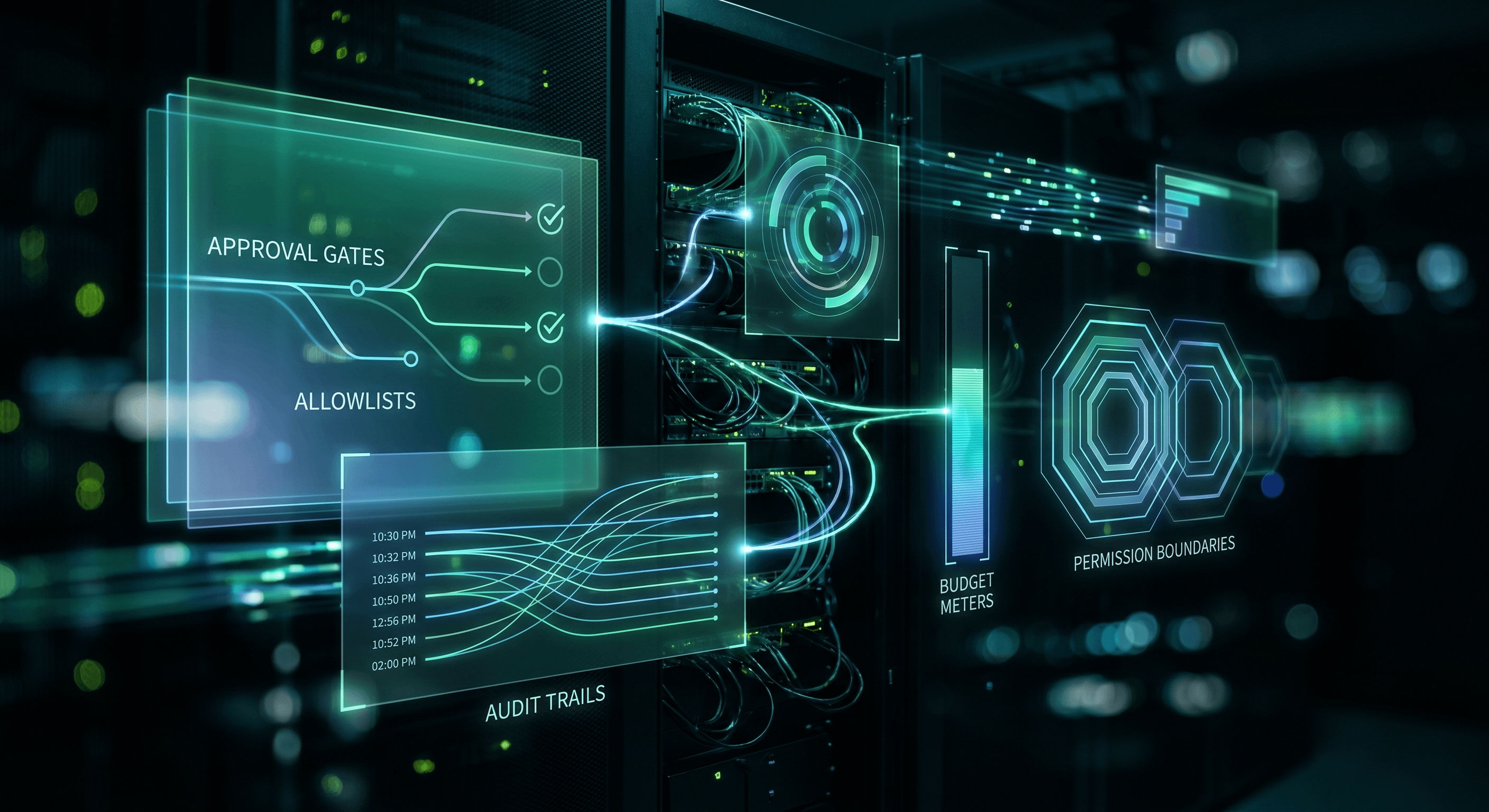
The Runtime Governance Layer Production AI Agents Need
A PDF policy cannot stop a bad tool call. Production AI agents need controls where text turns into action.
Most companies are learning this after the first exciting pilot. An agent summarizes tickets, drafts pull request context, updates a CRM field, or prepares a customer reply. The demo works. The team asks for more. Soon the same pattern spreads from engineering into support, product, ops, and sales.
That spread is the point. AI adoption should not stay trapped inside the engineering team. But the risk changes when an agent can call tools, spend money, touch production data, or message a customer.
The governance problem is no longer whether someone wrote an AI policy. The problem is whether the runtime can enforce it.
What Most Teams Get Wrong
Teams often govern agents at the prompt layer. They write instructions that say what the agent should avoid, what it should ask before doing, and which data it should treat as sensitive.
That helps, but it is not a control system. Prompts are guidance. Runtime boundaries are enforcement.
The same mistake shows up when companies move from one team using agents to five departments using agents. Engineering has repo access rules. Support has customer context. Product has roadmap notes. Ops has vendor workflows. Sales has account history. If each group invents its own agent rules, leadership loses the ability to reason about risk.
CTOs need a small control layer that every team can understand.
The Runtime Governance Framework
Use this before any agent moves from a pilot into a repeated business workflow.
1. Classify the action
Start with what the agent can do, not what the agent can say.
Low-risk actions include summarizing, formatting, tagging, drafting, and routing. Medium-risk actions include creating internal records, preparing customer replies, changing project metadata, or opening pull requests. High-risk actions include sending messages, changing permissions, touching billing, running production commands, or writing to customer systems.
The action class decides the control level.
2. Put tools behind explicit gates
Every tool should have a gate. A search tool is different from a database write. A draft email tool is different from a send email tool. A test command is different from a deploy command.
Do not give the agent a toolbox and trust it to self-regulate. Put the permission boundary at the tool call.
3. Log the evidence
Useful governance leaves evidence a human can inspect. The runtime should record the input, tool calls, approvals, outputs, cost, owner, and final status.
This matters outside engineering too. A support manager needs to know why an agent escalated a ticket. A product lead needs source notes for a requirements summary. A sales leader needs to know which account facts came from the CRM and which came from model inference.
4. Assign a human owner
The agent never owns the outcome. A person owns the workflow, the escalation path, and the rollback decision.
That owner does not need to approve every low-risk action. They do need to define when the agent stops, when a human reviews, and what failure looks like.
The Skill File
This is the kind of skill file I would install before giving teams production agent access.
# Production Agent Runtime Governance

## Mission
Decide which controls an AI agent needs before it can run a repeated workflow.

## Required Inputs
- workflow name
- business owner
- team using the agent
- tools the agent can call
- data the agent can read
- actions the agent can take
- customer, billing, permission, legal, or production risk

## Action Class
Choose one:
1. low risk: summarize, format, classify, route, draft
2. medium risk: create internal record, update status, open PR, prepare customer reply
3. high risk: send message, change billing, change permissions, deploy, delete, purchase

## Control Rules
- Class 1: log input, output, cost, and owner
- Class 2: require scoped tools, audit trail, rollback note, and sampled review
- Class 3: require human approval before execution, strict allowlist, budget limit, and incident path

## Runtime Requirements
Return:
- allowed tools
- blocked tools
- approval gates
- log fields
- budget limit
- owner
- rollback path
- review cadence
A Real Leadership Pattern
Across distributed teams, the agent adoption curve is predictable. Engineers start with code. Support asks for triage. Product asks for requirements synthesis. Ops asks for recurring checks. Sales asks for account research and follow-up drafts.
That is good leverage. It also means the CTO cannot manage AI as a developer tooling project.
The right question is not, "Which agent should we buy?" The better question is, "Where does this agent read, where can it act, and who owns the outcome when it is wrong?"
The companies that get value from agents will build narrow loops first. Summarize with source links. Draft with review. Update internal records with logs. Escalate instead of acting when the workflow touches money, permissions, production, or customers.
That is how AI moves from pilot energy to operational leverage.
Get the Full Runtime Governance Skill File
I posted a breakdown of the full runtime governance setup for production AI agents on LinkedIn. Comment "Guide" on that post and I'll DM you the skill file, control checklist, and approval gate template directly.
Work With Me
I help engineering orgs adopt AI across their entire team - not just the code, but how product, support, and operations work too. If you want your org moving faster without growing headcount, let's talk.
Kris Chase
@krisrchase