The Production AI Agent Safety Skill File Every CTO Needs
A practical skill file for putting sandboxes, logs, rollback paths, and human gates around production AI agents.
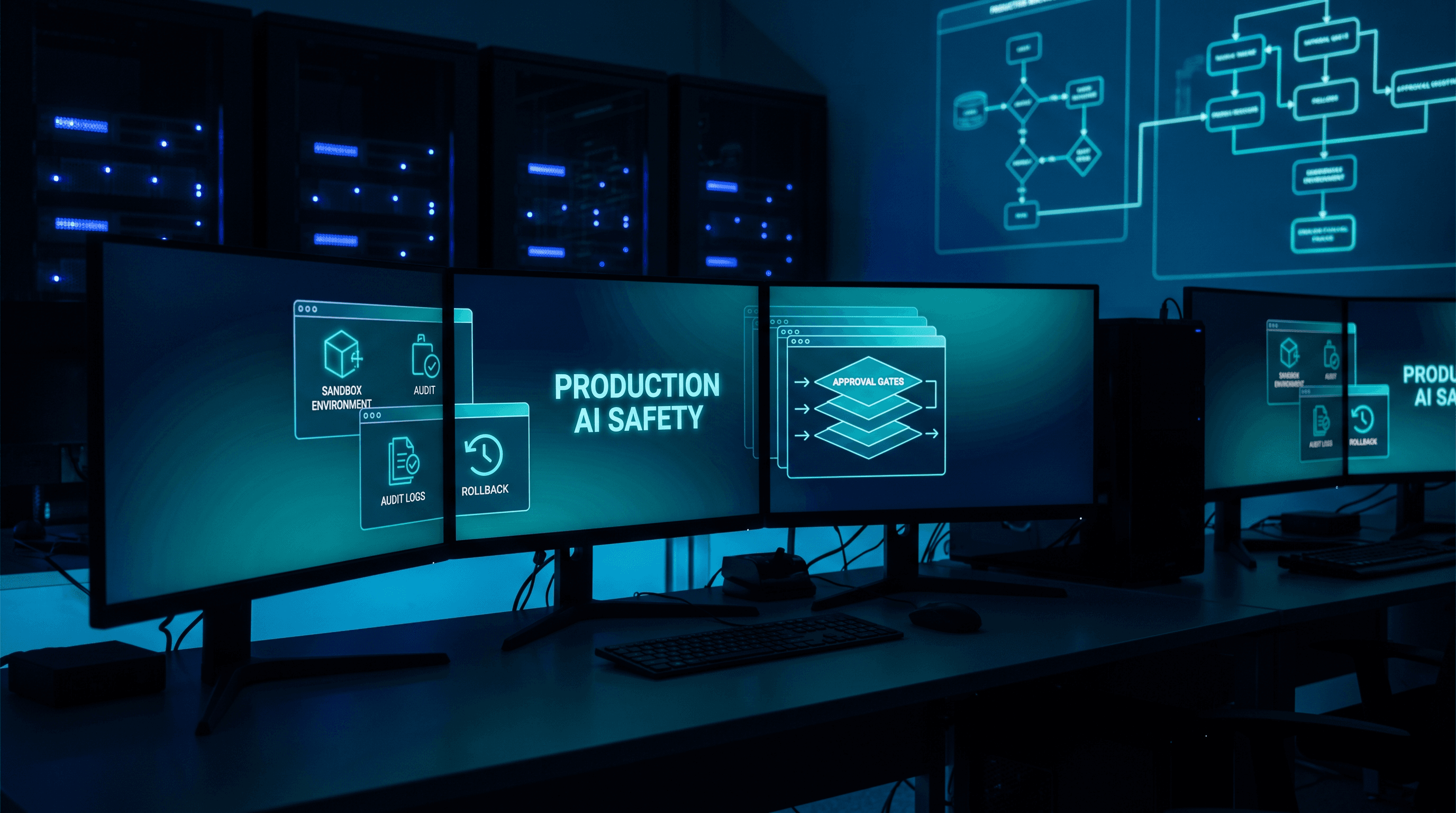
The Production AI Agent Safety Skill File Every CTO Needs
The next production failure will not come from a smarter model. It will come from an agent that had too much freedom and too little proof.
Claude Code auto mode, agent sandboxes, and production copilots all point in the same direction. Teams want more speed. The winning teams put guardrails in front of autonomy before they hand an agent real authority.
Most leaders miss the pattern. They start by asking which model is best, then they wire that model into code, tickets, docs, support replies, and deploy prep with the same loose rules. That feels efficient until nobody can explain what the agent touched or how to roll it back.
That is not an AI problem. That is an operating model problem.
Where teams go wrong
The first mistake is treating a test environment like a safe place by default. Recent AI safety chatter keeps making the same point: the test harness is no longer harmless if it shares state, secrets, or side effects with production workflows.
The second mistake is approval fatigue. If a team asks a senior person to click yes on every action, the review layer turns into noise. People stop reading.
The third mistake is shared permissions. One agent should not inherit another agent's access. A workflow that drafts support replies should not ship code. A workflow that edits a runbook should not see billing credentials.
The fix is simple to say and harder to enforce. Give every agent the same safety ladder.
The 5-step safety ladder
1. Classify the action
Every request belongs in one of four buckets:
- Read: summarize, classify, extract
- Draft: write a first pass
- Change: edit code, docs, scripts, or config
- Ship: merge, deploy, send, or close
Read and draft can move fast. Change and ship need a gate. If the task can affect money, identity, or customer trust, it belongs on the slow lane.
2. Put change work in a sandbox
Sandboxed execution is the difference between useful autonomy and an incident with a nicer prompt.
If the agent edits code, it gets a disposable environment. If the agent tests a fix, it gets isolated state. If the agent touches a real system, a human owns the release path.
That rule works across engineering, support, product, and ops. Support can draft and test responses in a sandbox. Product can shape a spec without pushing it live. Ops can rehearse an incident update before it reaches customers.
3. Require proof before approval
Approval should never rest on confidence alone. The agent needs evidence.
Use one of these:
- Test output
- Diff
- Logs
- Screenshot
- Named reviewer signoff
If the proof is weak, the task is not ready.
4. Log the run
If a human cannot answer "what did the agent do?" in one minute, the workflow is too loose.
Track:
- owner
- task brief
- files or systems touched
- proof command or evidence
- reviewer
That log matters outside engineering too. Support needs it for escalations. Product needs it for roadmap decisions. Ops needs it when an incident becomes a follow-up task.
5. Keep a rollback path visible
No rollback path means no ship.
Before an agent can publish, deploy, or close, the team should know:
- what gets undone
- who undoes it
- how long it takes
That is the part most teams skip when the demo goes well. They celebrate the speed and forget the recovery plan.
The skill file
# production-agent-safety.skill.md

## Mission
Let agents move fast in sandboxes, then force human review before anything touches production data, money, or customer trust.

## Default routing
- Read: summarize docs, classify incidents, extract context
- Draft: write the first pass of plans, replies, or fixes
- Change: edit code, scripts, runbooks, or configs only in sandbox
- Ship: merge, deploy, send, or close only with an explicit human owner

## Rules
1. Use a sandbox for every change task.
2. Do not expose production secrets to the agent.
3. Require proof before approval.
4. Log the task brief, files touched, reviewer, and outcome.
5. Require a rollback path before any ship action.
6. Stop if the agent cannot explain its last action in one minute.

## Proof required
- Tests
- Diff
- Logs
- Screenshot
- Reviewer signoff

## Ship gate
If the task touches billing, auth, customer data, or deploys, a human must approve the final step.
A real example
I keep seeing the same pattern with distributed teams. The fastest groups are not the ones that let every agent roam. They are the ones that define one shared safety file, one review path, and one rollback rule for the whole company.
That matters when support sits in one time zone, product sits in another, and engineering owns the system in a third. Without a common safety file, each team invents its own version of "safe enough." That is how small mistakes turn into handoff chaos.
The right setup also helps senior engineers. It removes repetitive review decisions and frees time for judgment, edge cases, and architecture.
The move CTOs should make now
Do not start with a bigger model. Start with a tighter operating rule.
Give the agent a sandbox. Give the team proof requirements. Give every workflow a rollback path. Then let the automation spread across support, product, ops, and engineering with the same rules.
That is how you get speed without turning the org into a cleanup queue.
Get the Full Production Agent Safety Skill File
I posted a breakdown of the full 5-step production agent safety skill file and rollout checklist on LinkedIn. Comment "Guide" on that post and I'll DM you the link directly. Live on the blog: https://krischase.com/blog/production-ai-agent-safety-skill-file
Work With Me
I help engineering orgs adopt AI across their teams - not just in the code, but in how product, support, and ops work too. If you want to move faster without growing headcount, let's talk.
Kris Chase
@krisrchase